Keep your business moving forward faster with the smarter AI-assisted eSignature

What you can do
Solve the problems that slow your agreements down with Docusign eSignature
- Prepare and send agreements faster
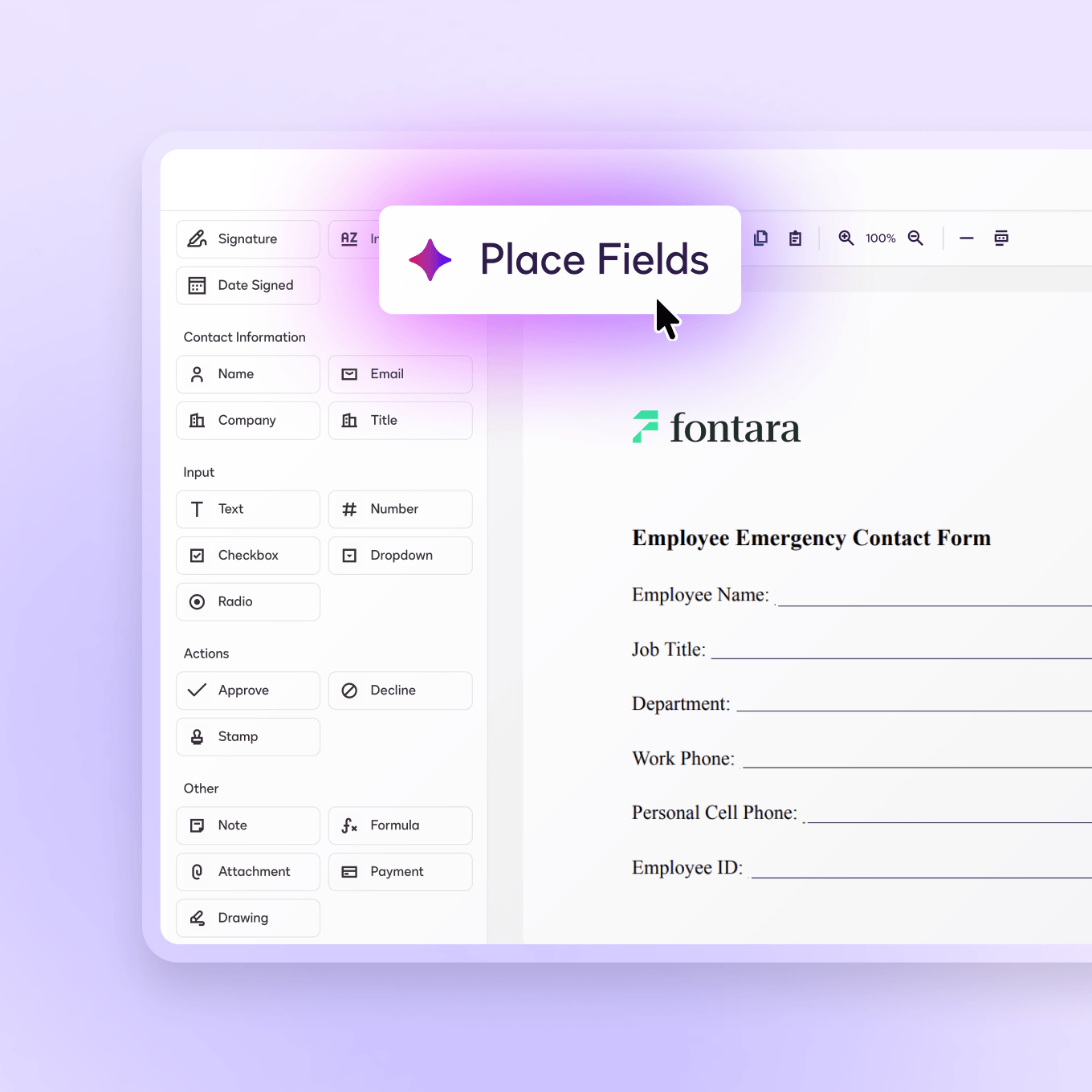
AI detects your agreement type and auto-suggests the right fields, helping you get documents out the door with less manual work.
- Reach the right people, the first time
Pre-send verification confirms recipient details before your eSignature agreement goes out.
- Help readers understand and accelerate signing
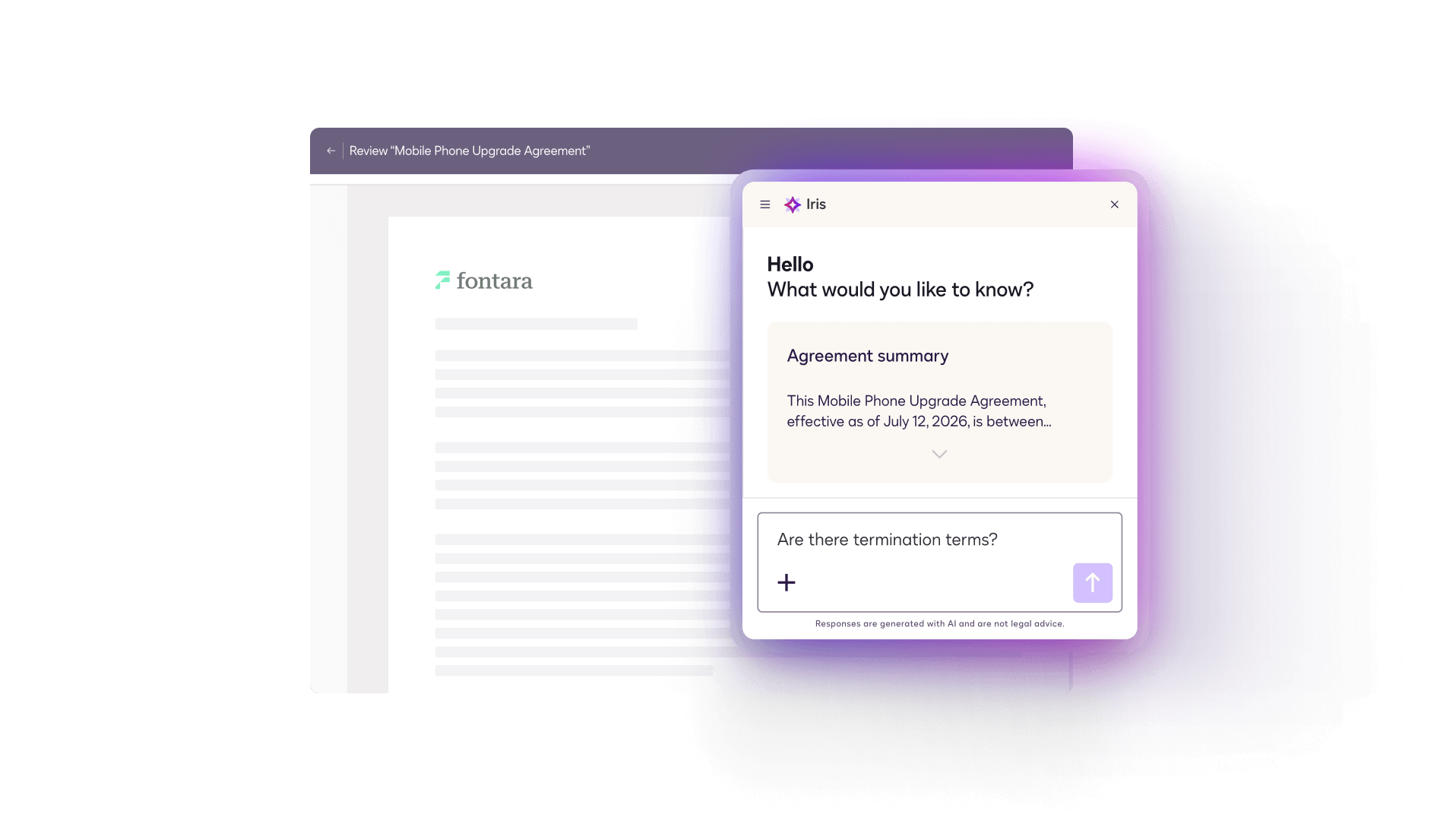
AI-generated summaries and built-in Q&A give signers clarity faster so they can sign with confidence.
- Keep your workflows connected and error-free
Integrated automated flows keep your agreement data consistent and reduce rework across your tools.


Feature highlight
Reduce prep time with integrated document generation and eSignature
From automated redlining to instant compliance checks, we’ve built the tools to help you get to ‘signed’ faster.


Document generation
Dynamically pull data from systems of record like Salesforce, and SAP to generate personalized agreements.


Secure, multi-channel delivery
Reach the right people on the right channel at the right time, with built-in verification.
eSignature for Enterprise
Enterprise-ready and compliance-tested
Create, commit, and manage every agreement faster without sacrificing compliance. Enterprise Pro combines eSignature with enterprise-grade authentication, policy controls, and reporting.
Advanced workflows for complex teams
Go beyond standard routing with agent and editor recipient types, conditional workflows, and shared access.
Built for strict compliance
Add advanced signer authentication, PDF/A archiving options, and specialized offerings for regulated environments.
Centralized admin for every account and user
Advanced admin packages with SSO, domain control, and organization-wide management so IT can manage users, policies, and integrations from one place.
Deeper data and integration options
Unlocks advanced data feeds and enterprise admin for integrations so you can flow eSignature activity into your analytics stack and manage connections.

Docusign Iris turns agreement insights into action with AI Agents that can help you close your agreement cycles faster
Docusign Iris turns agreement insights into action with AI Agents that can help you close your agreement cycles faster
Agreement detection
Scans your agreement to detect its type so you can see the most relevant fields faster.
Field suggestions
Automatically identifies and helps place fields to speed up document preparation.
Agreement summaries and Q&A
Provides clear, AI-powered summaries and an instant Q&A tool to clarify complex details on the spot.
Get the clarity you need
Discover IrisCustomer success stories
Powering progress for 1.7 million customers
See how 1 billion people use Docusign solutions to accelerate the process of doing business, including startups and global enterprises.

 T-Mobile cut agreement time by 44% and unlocked 40% additional team bandwidth with Docusign.
 First Citizens Bank is able to finalize high-value, legally compliant agreements in under an hour with Docusign.
 AAA Washington completes agreements 12x faster, with 87% closing in under three hours with Docusign.
 Adeva has increased revenue 30x and accelerated tech talent onboarding by 90% with Docusign.


Plans & Pricing
Find the right eSignature plan for your business
Personal
For individuals and sole proprietors with basic e-signature needs.
- Send 5 envelopes/month for signature
- Save time and standardize your agreements with reusable templates
- Stay in the tools you already use—expand your workflows with 900+ integrations
Standard
For small to medium teams that need to send, sign, and collaborate.
- Send a total of 100 envelopes/user/year
- Accelerate collaboration with shareable templates and real-time commenting
- Enhance customer trust with custom branding
Business Pro
For automating and optimizing agreements with advanced features.
- Send a total of 100 envelopes/user/year
- Collect data with mobile-friendly, interactive web forms
- Collect payments during the signing process
- Streamline attachment requests for signers
- Auto-calculate values with conditional logic
- Bulk-send envelopes to multiple signers
Explore related eSignature resources

Nearly 30% higher ROI with automated agreement workflows
Read the full Deloitte report that surveyed 1100 business leaders across 6 countries to uncover how agreement management can create real business value.


eSignature FAQs
eSignature supports bulk send, conditional and parallel routing, configurable multi-step workflows, shared templates, and APIs that handle millions of envelopes.
Example: Calendly saw an 832% increase in e-signature transactions after switching to Docusign.
Yes, you can easily integrate eSignature into the tools and workflows you already use to enhance capabilities without overhauling the way you work. eSignature offers 1,100+ pre-built, secure integrations, including certified integrations with Salesforce, Microsoft 365, SAP, Workday, Google Workspace, ServiceNow, and more.
Yes. Administrators can apply custom branding (logos, colors, signing pages, and notifications), publish shared templates, set role-based permissions, control reminder and expiration policies, and govern signing workflows across teams from a single admin console. This keeps the signer experience consistent and on-brand while providing your teams with a single source of truth.
Yes. Senders can prepare an agreement in minutes using drag-and-drop fields, AI-assisted preparation powered by Docusign Iris and reusable templates. Signers can also complete documents on any device with no account required, which is why 84% of signers say they're more likely to keep doing business with companies that use Docusign.
Small businesses use Docusign eSignature for new-customer contracts, sales proposals, service agreements, NDAs, vendor onboarding, offer letters and more. Along with collecting a signature, small businesses can generate personalized agreements, capture data and dynamically populate content in agreements, and maintain security and compliance through every step of the process.
Yes. Docusign eSignature integrates with 1,100+ apps that small and growing businesses already rely on, including Google Workspace, Microsoft 365, Dropbox, HubSpot, Salesforce, Zoom, QuickBooks and more.
Get Started Today
eSignature supports agreements as flexible and dynamic as the way you run your business.